That’s why Anjok Technologies created a WhatsApp API Error Decoder with updated, real-world solutions.

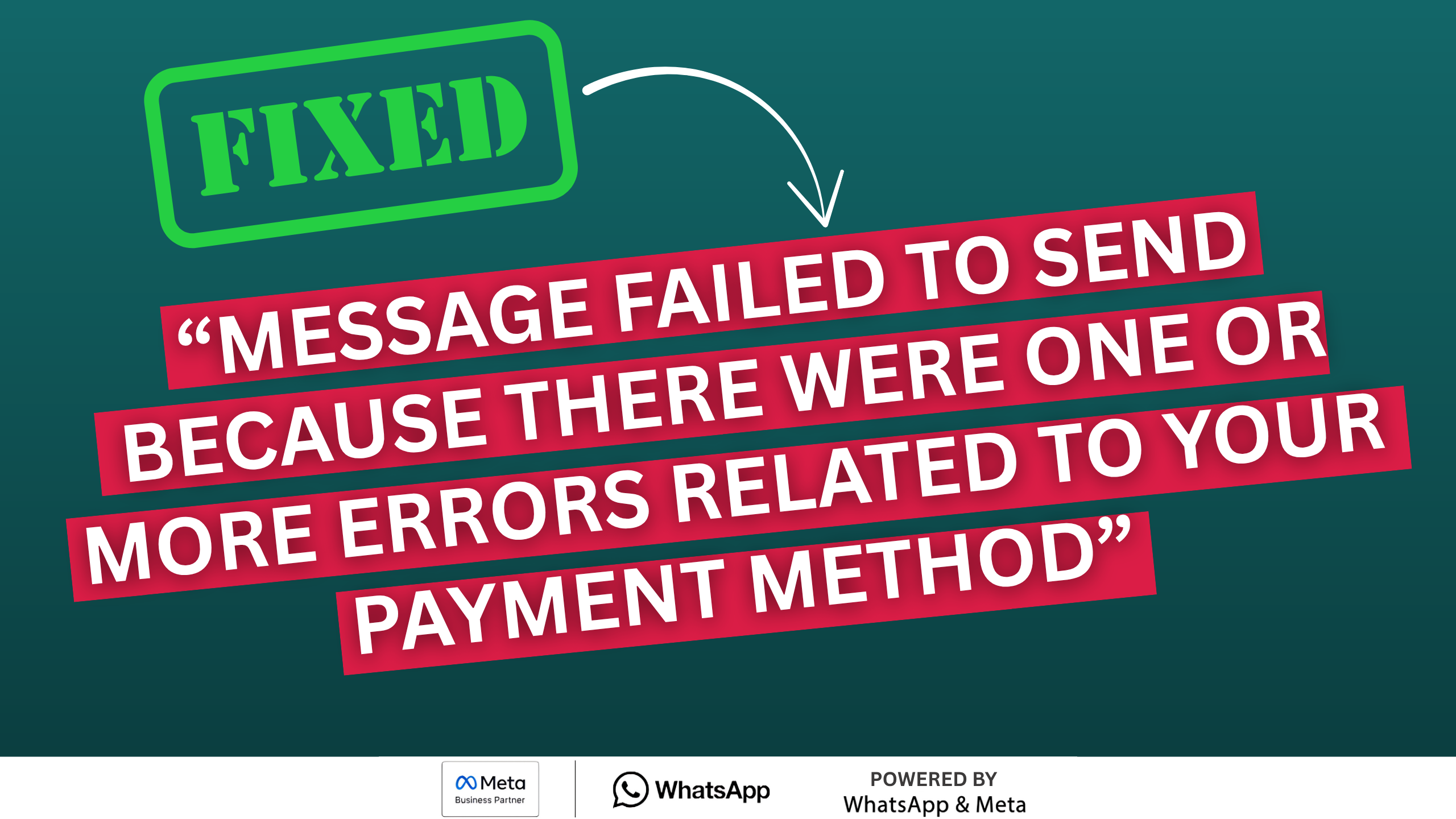
💡 Why WhatsApp API Errors Happen
Most WhatsApp API errors are not coding mistakes.
They usually happen due to:
- Business Manager configuration issues
- Billing & payment problems
- Permission mistakes
- Token expiry
- Webhook misconfiguration
- Template policy violations
All of these come from Meta Platforms rules and policies.
❓ Common WhatsApp API Errors Faced by Businesses
Here are some real errors we see daily:
🔴 Error 131042 – Billing Eligibility Issue
Cause:
- No payment method added
- Business not billing-enabled
Solution:
- Add payment method in Business Manager
- Use real phone number (not test number)
🔴 Error 190 – Access Token Expired
Cause:
- Using temporary token
Solution:
- Generate Permanent Access Token using System User
🔴 Error 100 – Permission Denied
Cause:
- Wrong permissions selected
- App review not approved
Solution:
- Use only WhatsApp permissions
- Resubmit app with correct explanation
🔴 Webhook Not Receiving Messages
Cause:
- Verification failed
- HTTPS issue
- PHP output errors
Solution:
- Fix webhook verification
- Return hub_challenge correctly
📘 Our Solution: WhatsApp Error Decoder (Updated)
Instead of searching blogs randomly, we built a central error solution system 👇
🔗 WhatsApp API Error Decoder – Anjok Technologies
👉 https://anjoktechnologies.in/wa_error_decoder/
What This Tool Does:
- Decode WhatsApp API error codes
- Explain error in simple words
- Show exact reason
- Provide step-by-step solution
- Updated regularly based on real cases
This documentation is used by:
- Developers
- Agencies
- SaaS companies
- WhatsApp API resellers
🔍 Why Our Documentation Is Different
Most documentation:
❌ Just shows error code
❌ No real fix
❌ Outdated
Our WhatsApp Error Decoder:
✔ Real error → real fix
✔ Based on live client issues
✔ Updated continuously
✔ PHP / Webhook / Business Manager focused
✔ Easy to understand
🧠 How to Use the WhatsApp Error Decoder
1️⃣ Open the documentation link
2️⃣ Search by error code or keyword
3️⃣ Read reason & solution
4️⃣ Apply fix in Business Manager / API
5️⃣ Retry message
No trial-and-error needed.
🏢 When Should You Use This Documentation?
Use it when:
- Message sending fails
- Webhook stops working
- App gets rejected
- Billing errors occur
- Token expires suddenly
Instead of wasting hours → check the decoder first.
🤝 Need Help Beyond Documentation?
If the issue is complex, Anjok Technologies also provides:
- WhatsApp Cloud API setup
- Error fixing & debugging
- App review & permission support
- Billing eligibility resolution
- Webhook & token fixes
- PHP / Laravel integration
We don’t just document problems — we solve them.
📞 Contact Anjok Technologies
📱 +91 80729 70517
🌐 anjoktechnologies.in
👉 Ask for WhatsApp API Support
🧠 Final Words
WhatsApp API errors are common — but they are solvable.
With the right:
✔ Knowledge
✔ Documentation
✔ Setup
You can fix most issues in minutes.
👉 Bookmark our WhatsApp Error Decoder and save time:
🔗 https://anjoktechnologies.in/wa_error_decoder/